
Workflow Automation in Rulex Platform
Manage and automate workflows with full visibility and control
Automate workflows across systems with flexibility and control
Rulex Platform enables workflow automation across diverse environments, simplifying complex processes while integrating seamlessly with existing tools such as Windows Task Scheduler and enterprise scheduling solutions.
With a comprehensive set of APIs, flexible scripting capabilities, and real-time alerting, users can automate workflows end to end, maintaining full visibility and control at every stage. This ensures processes run smoothly, scale efficiently, and adapt quickly to evolving business requirements – all with minimal manual intervention.
How Rulex enables workflows
API-FIRST WORKFLOW AUTOMATION
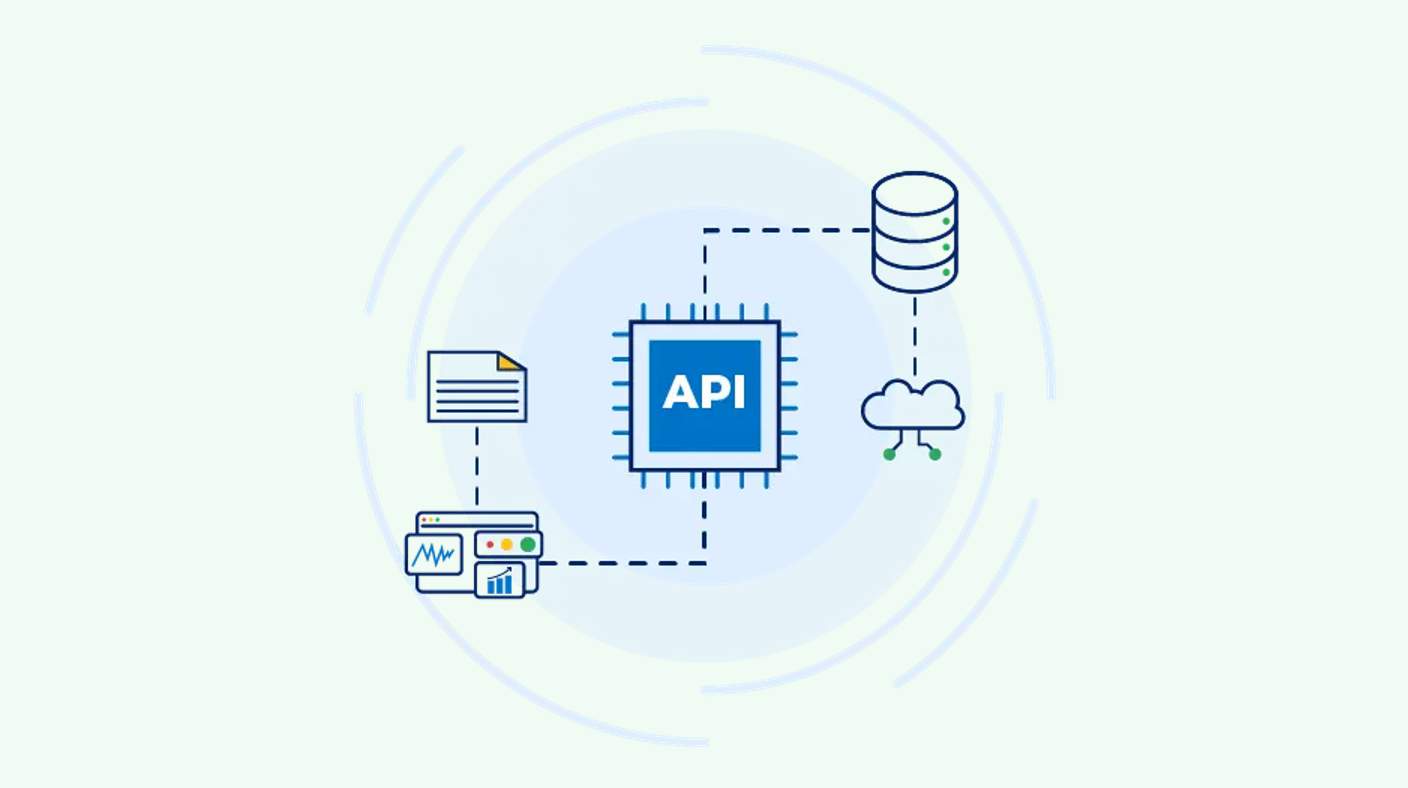
Rulex Platform offers a comprehensive set of REST APIs to enable smooth automation across multiple systems and services.
Through APIs, users can import and execute workflows without manual intervention, while also efficiently managing environment variables.

FLEXIBLE WORKFLOW SCHEDULING
Workflows can be triggered in response to specific events to adapt to changing business circumstances, or scheduled to obtain up-to-date information whenever and however most needed.
This functionality is compatible with a wide range of scheduling tools, from Windows Task Scheduler to enterprise-level solutions.

AUTOMATE WITH SCRIPT CREATION
Rulex Platform also supports automation by enabling API calls through a Command Line Interface (CLI), accessible from scripting languages such as PowerShell or standard command prompts.
Leveraging the CLI, developers can script any interaction with Rulex, from computing flows to modifying configurations, enabling the automation of multiple business scenarios.

REAL-TIME MONITORING AND ALERTING
Keep workflows running smoothly with instant email alerts that provide notifications of any issues as they happen. The color-coded system highlights alert urgency for prompt, appropriate responses.
Configuring and managing alerts is easy with Rulex Platform’s intuitive GUI. Users can set up alerts for key events – like task start/end, errors, and delays – to stay informed. When computations are launched via CLI, alerts provide essential details such as execution time, encountered errors, and task durations, so users are always ready to take action.

See Rulex’s workflow automation in action
ENTERPRISE SCHEDULING INTEGRATION
A major F50 global supply chain needed to schedule interconnected Rulex workflows to fully automate production, reaching over 14,000 executions per month.
By integrating Rulex Platform with an existing third-party scheduling tool, Rulex Platform minimized disruptions. Flow operations were scheduled to run at specific times – daily, hourly, weekly – according to business needs and production calendars, and arranged in a precise order so that the output of one flow fed into the next.
This enabled a scalable and reliable automation framework aligned with production requirements.
REAL-TIME WORKFLOW MONITORING AND NOTIFICATION
A global organization needed to monitor critical workflows and quickly detect issues that could impact operations, such as missing files, failed connections, or empty datasets causing computation timeouts.
Rulex provided a workflow alerting system to continuously monitor processes through custom alerts applied across entire workflows.
Automated email notifications provided real-time updates, with color-coded urgency levels enabling fast and appropriate responses. This proactive approach allowed teams to quickly identify and resolve issues, preventing costly delays, reducing downtime, and ensuring operational continuity.
AUTOMATE DEBUGGING WITH SAVED COMPUTATIONS
An international company faced challenges in debugging workflow computations, as anomalous results caused by corner cases or inconsistent input data were difficult to trace and reproduce, especially within production environments.
The solution used Rulex Platform’s automation capabilities to automatically export and save daily scheduled workflows, enabling quick access to execution states in case of issues. Teams could replicate problems outside the production environment, analyze workflows locally, and inspect each task in detail to identify root causes. This improved visibility across all workflow steps enabled faster, more accurate troubleshooting and more efficient debugging processes.
Related content

Speeding up REST API connection with Rulex Platform and branch variables
Harnessing the power of Rulex Platform’s REST APIs unlocks greater control, flexibility, and operational efficiency. In a recent article, we walked you through how to automatically import a Flow into a specific Environment and configure its tasks to fit seamlessly into a new production setup. What’s next?

Rulex Platform APIs: a chat with a Rulex Developer
Web Application Programming Interfaces (aka web APIs) are among developer must-haves…
Free Preview: Entering the world of REST APIs
Find out what REST APIs are and how you can use them to automate operations in your work in Rulex Platform…

Exploring Rulex Platform’s new REST APIs
APIs are at the center of today’s tech innovation. They automate repetitive daily tasks, reducing…
Go beyond business rules management. Discover the capabilities of Rulex Platform
